Here's something we noticed early on: the people who use DonorLog the most carefully are often the ones with the least time. A treasurer who also runs the youth program. An executive director who's also the bookkeeper. They log in when something needs doing, record what came in, and log out.
That's fine for day-to-day work. But it means the bigger questions, like how did last month actually go?, only get answered when someone sits down and pulls a report. Usually right before a board meeting.
So we started bringing that information to you instead. Two things now arrive on the first of every month, without anyone having to ask.
A summary of last month, in your inbox
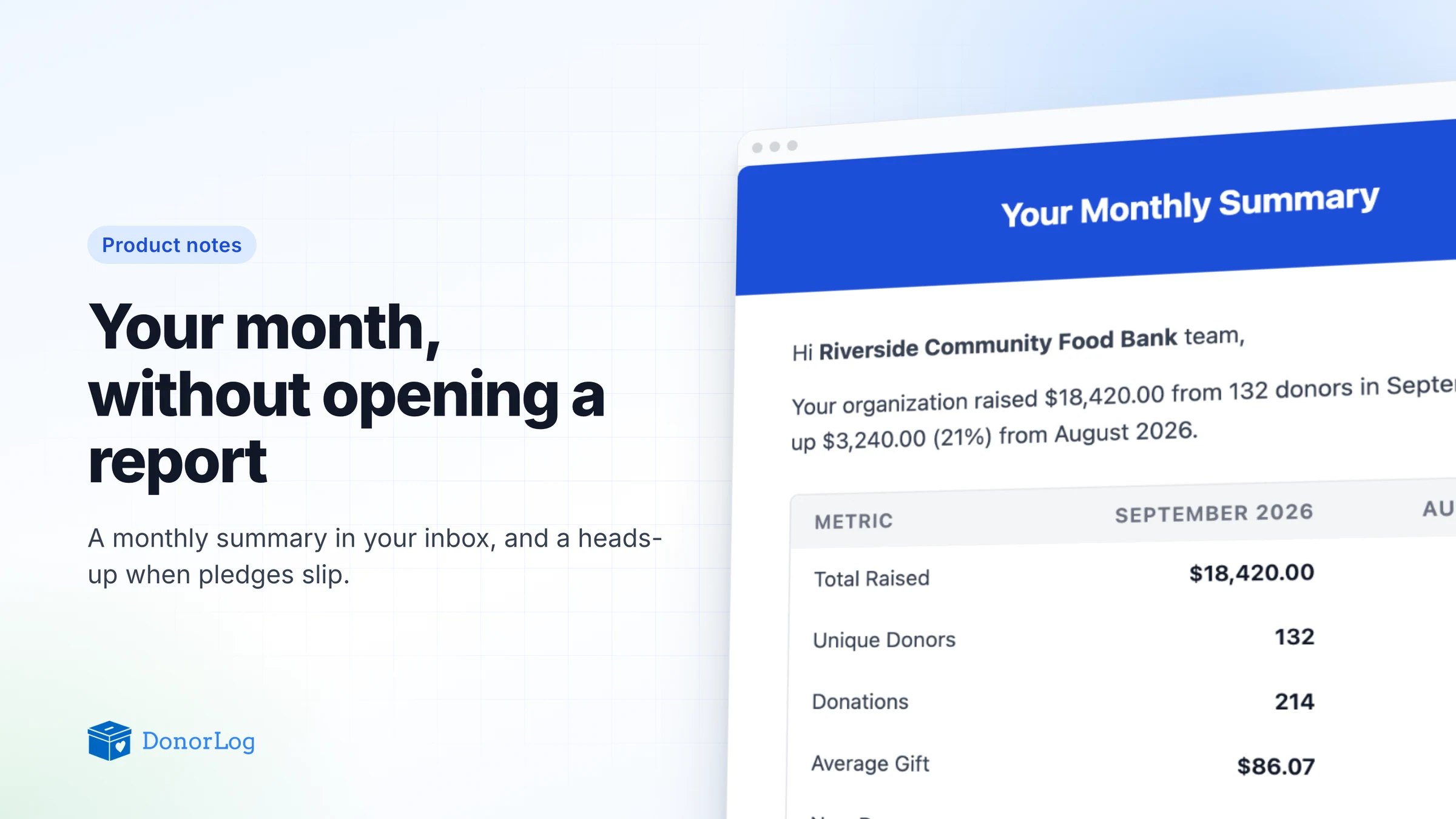
On the 1st, DonorLog puts together a summary of the month that just ended and compares it with the month before.
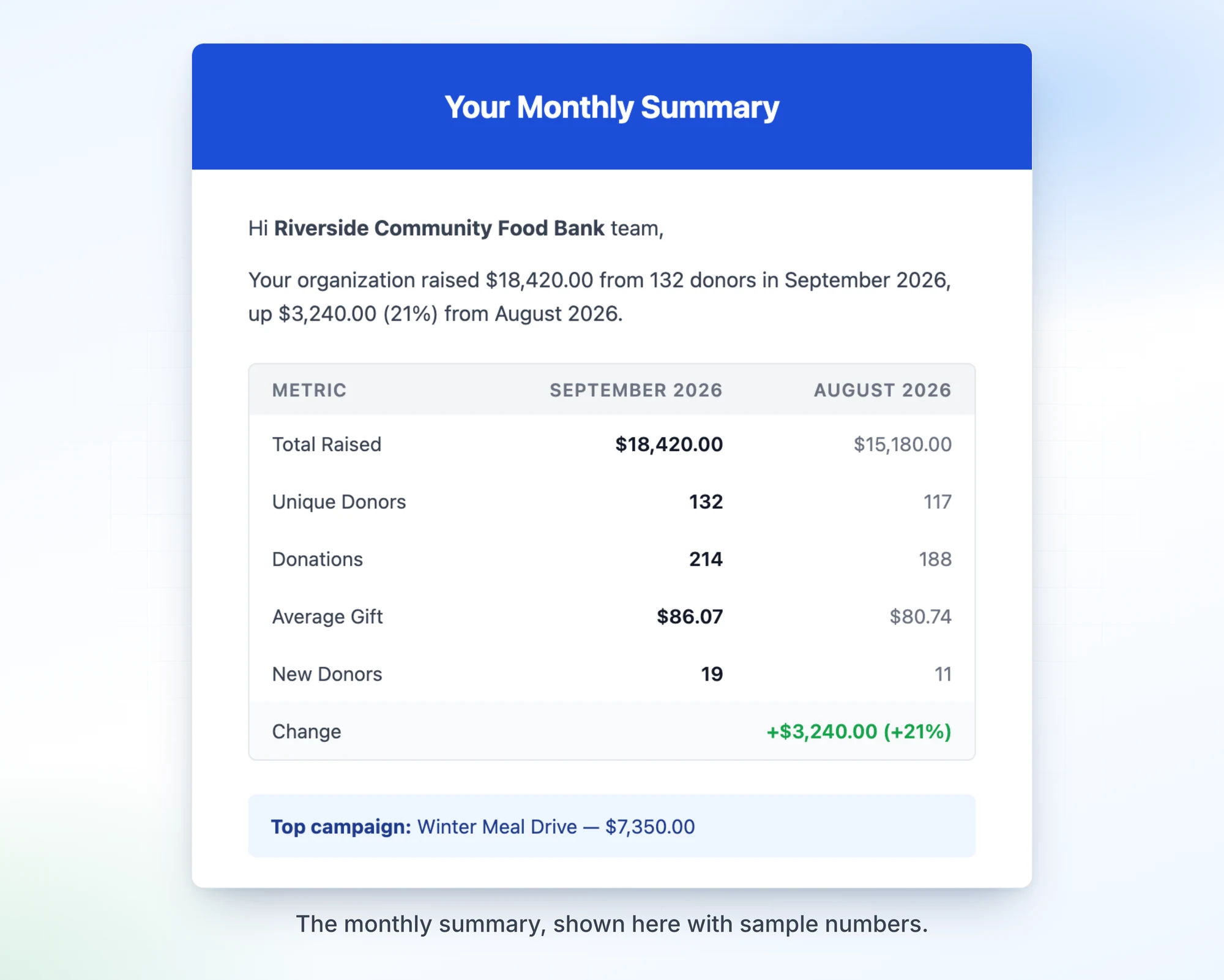
It covers:
- Total raised, and how much that changed from the previous month, in dollars and as a percentage
- Unique donors and the number of donations
- Average gift size
- New donors: people whose very first donation to you happened that month
- Top campaign: the one that raised the most
The summary lands in your DonorLog Mailbox. If your organization has a support email set up, it goes there too, so it reaches you even on a month you don't log in.
We kept it deliberately short. It's not meant to replace your reports. It's the paragraph you'd want to read out at the start of a board meeting, plus a reason to dig in if a number looks off. A jump in new donors usually means something worked. A drop in average gift might be worth a closer look.
Knowing which pledges slipped
Pledges are where good intentions meet real life. Someone commits to $50 a month, pays faithfully for a while, and then one month it just doesn't happen. Usually not on purpose.
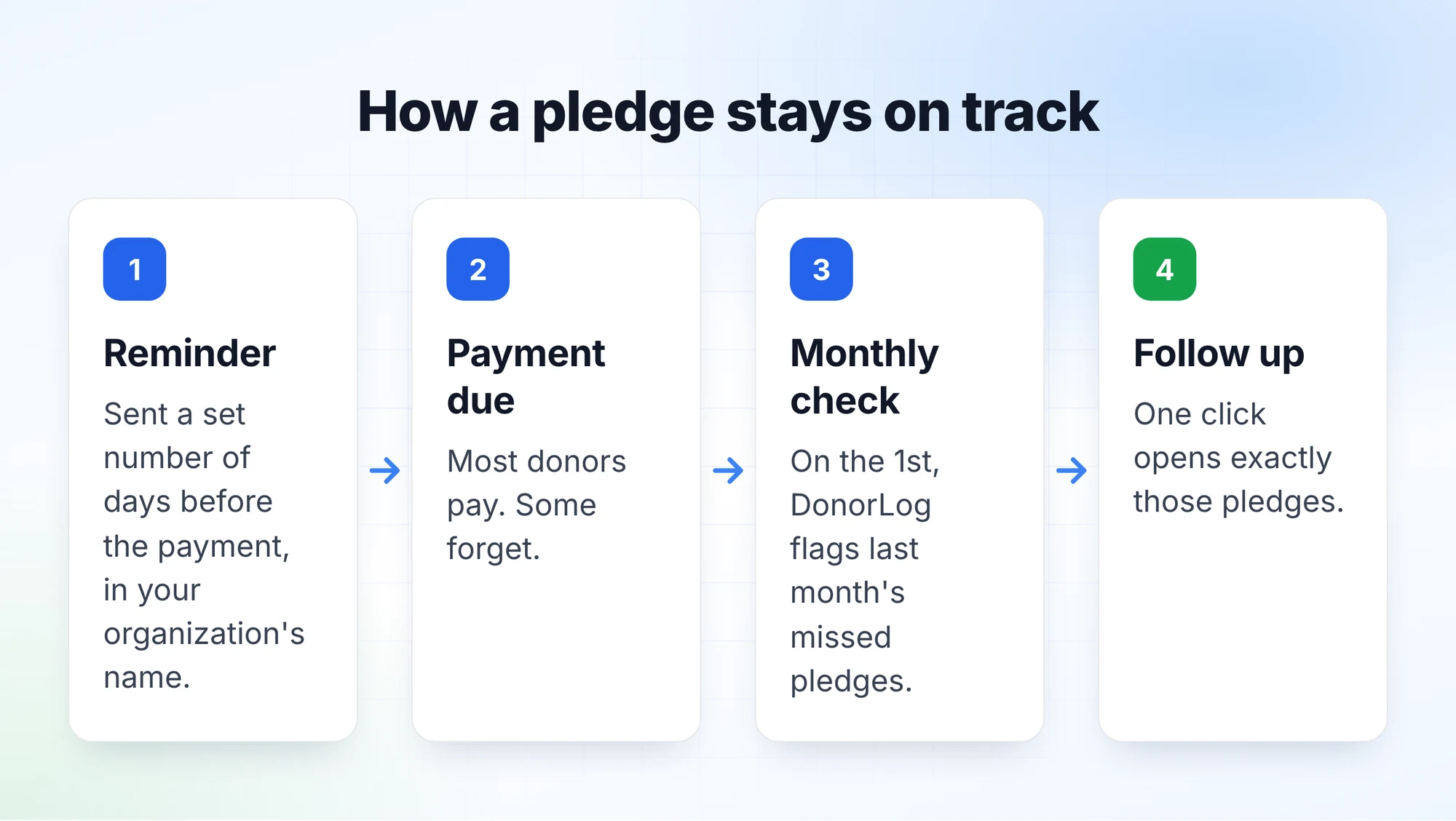
DonorLog already sends pledge reminders: each pledge can have a reminder go out a set number of days before the next payment is due. But a reminder only helps before the due date. Afterwards, the question becomes: who missed?
Now, on the 1st of each month, DonorLog checks the month that just ended and leaves you a notification. You'll see it in the bell at the top of the screen and on your Notifications page.
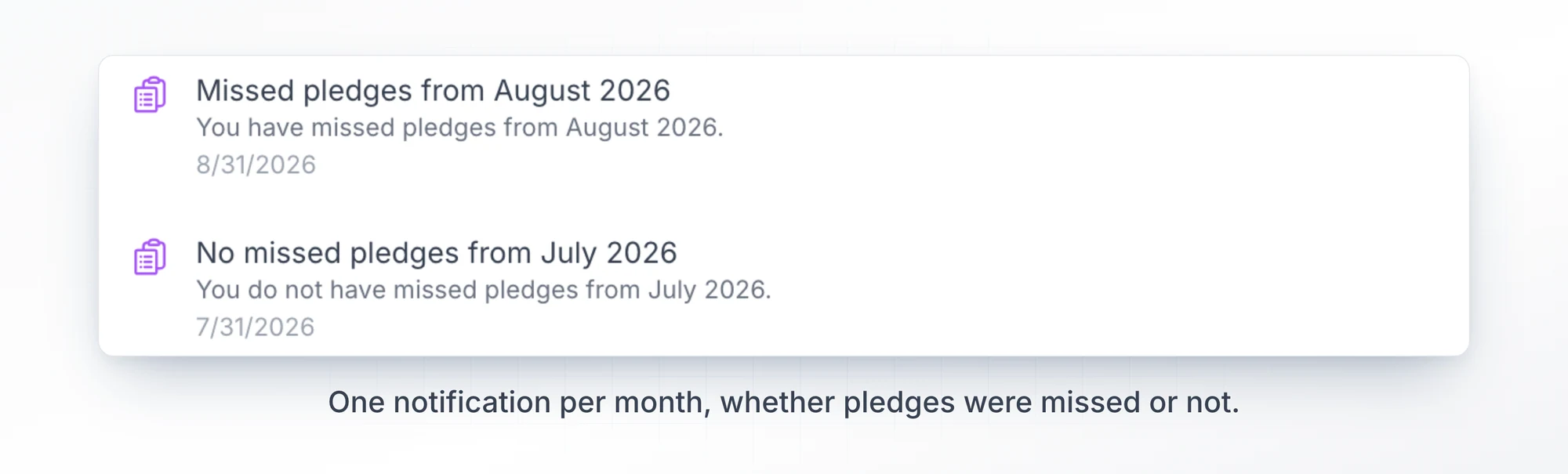
You get exactly one per month, and you get it either way. "Missed pledges from August" means there's something to follow up on. "No missed pledges from July" means there isn't. We liked the idea of a quiet confirmation that everything is on track, instead of silence that leaves you wondering whether the check even ran.
Click a missed-pledge notification and it opens your pledges list, already filtered to the payments that were due in that month. No hunting through filters to rebuild the list yourself.
Reminders that come from you
One smaller change matters more than it sounds. Pledge reminder emails used to go out under a generic sender name. Now they carry your organization's name, both the automatic reminders and the ones you send yourself from a pledge.
When a donor sees an email about their pledge, it should be obvious who it's from. A message from "Riverside Community Food Bank" gets opened. A message from a name they don't recognize might not.
The point of all this
None of these features is big on its own. Together they cover a gap we kept seeing: the useful stuff was all in DonorLog, but you had to come looking for it.
If you're already using DonorLog, there's nothing to switch on. Your first summary and missed-pledge check arrive on the 1st. If you haven't set a support email for your organization yet, it's worth doing, so the summary reaches you outside DonorLog too.