At most small charities, the treasurer is a volunteer. They do it for a few years, then life happens: a new job, a move, a new baby. Someone else takes over.
What gets handed over is usually a spreadsheet, a shared password and a long phone call. A year later the new treasurer finds a donation amount that doesn't look right and has nobody to ask. Was it always $250? Did someone fix a typo, or was it changed after the receipt went out?
We think the software should be able to answer that, without anyone having to remember.
Every change, written down
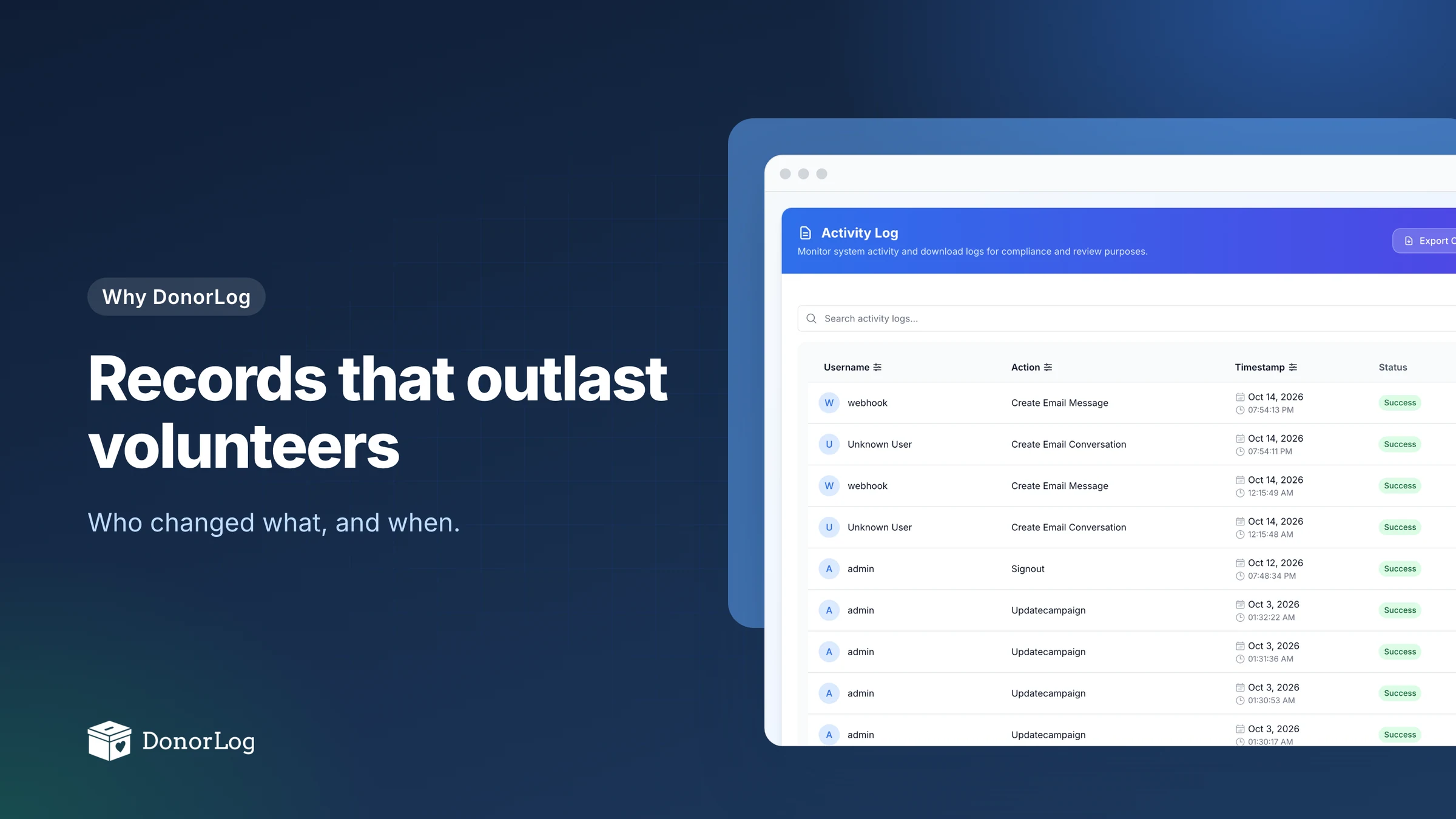
DonorLog keeps an activity log of what people do in the app: creating and editing donors, donations, pledges and campaigns, exports, sign-ins and sign-outs, password changes. Each entry records who did it, when, from which IP address and browser, and whether it worked. Failed attempts are logged too, not only successful ones.
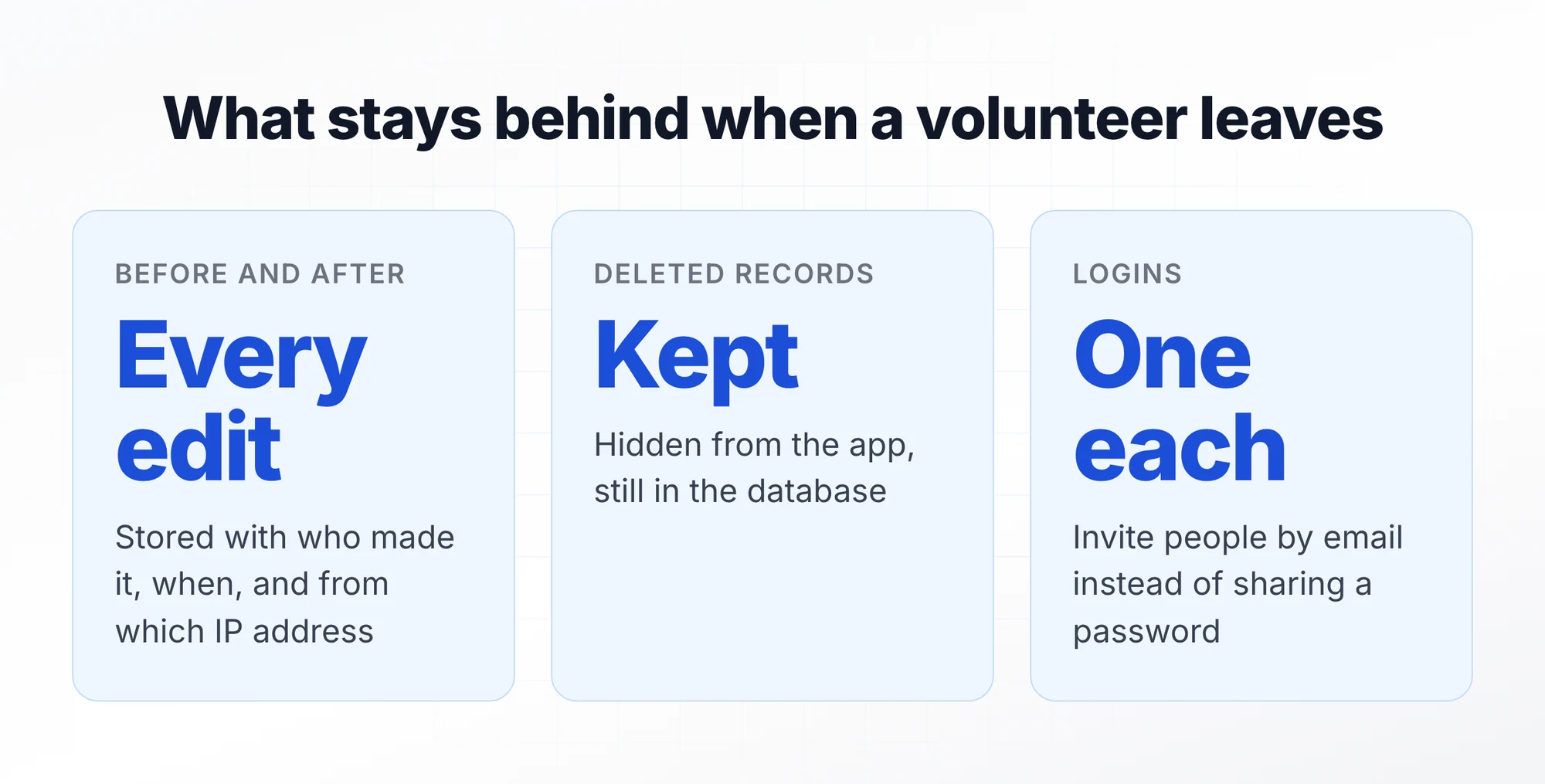
For edits and deletes, the entry stores the record as it was before and as it was after. So the question about the $250 donation has an answer. You open the entry and read the two versions side by side.
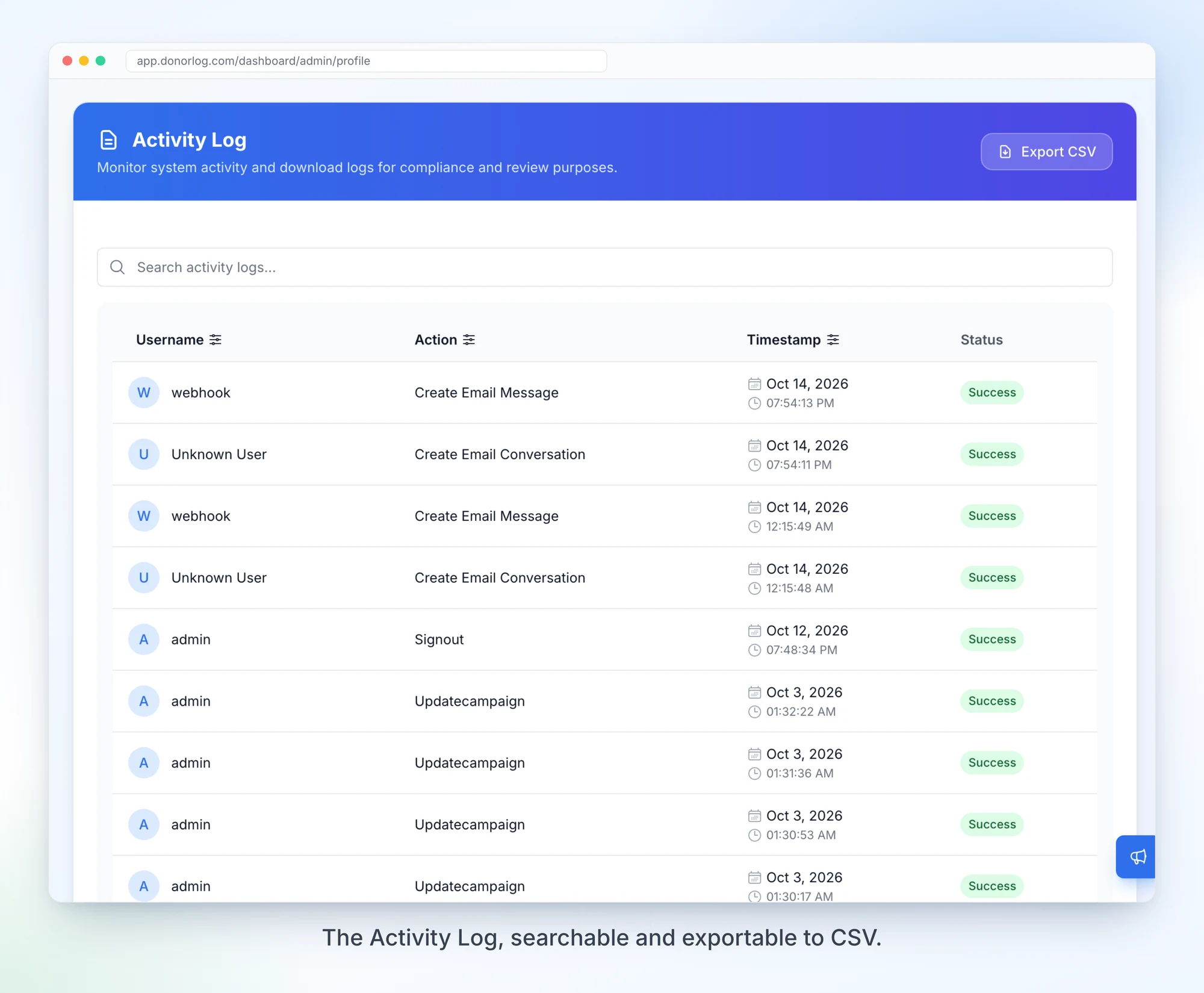
You'll find it under your Admin Profile → Activity Log. You can search it, filter by person, action and date range, and export it to CSV if your board or auditor wants a copy.
Delete doesn't mean gone
Spreadsheets have one kind of delete, and it's permanent. In DonorLog, deleting a donor, donation, pledge, campaign or expense hides it from the app but keeps the row in the database, marked with when it was deleted.
Deletes that affect other records happen together or not at all. Removing a donor also removes their donations and pledges from view, and removing a campaign does the same for its donations, pledges and expenses, in a single database transaction. You never end up with orphaned donations pointing at a donor who no longer exists.
To be upfront: there isn't a restore button yet. If something gets deleted by mistake, it's still in the database, but there's no way to bring it back from inside the app yet.
One person, one login
The shared password is the quiet problem in a lot of small organizations. When four people sign in as "treasurer", the log can't tell you which of them did anything, and changing the password locks out everyone at once.
In DonorLog you invite people by email from the Invitations page, and each of them gets their own account. Their actions go in the log under their own name, and stay there after they've moved on. Anyone can turn on two-step sign-in, which asks for a one-time code by email on top of the password.
One honest gap: removing someone's account isn't a self-serve button in the app yet. If you need it, get in touch and we'll sort it out.
The same idea runs through the rest
Once you care about history, you notice it everywhere. Merging two duplicate donor records doesn't erase the second one; it's marked as merged into the first, with who did it and when, and the merge itself shows up in the activity log. A donation keeps its tax receipt number once it has one. An annual receipt that gets regenerated is marked invalid rather than quietly replaced.
None of it is exciting to demo. But I'd bet it matters more to a charity in year five than any feature on our pricing page, because by then the person who set everything up has probably moved on.
If you're handing over soon
Before the changeover, invite the incoming treasurer to their own login rather than sharing yours, and ask them to turn on two-step sign-in. Then spend ten minutes together in the Activity Log. It's a quicker tour of how your organization actually uses DonorLog than any handover document.