Most donor lists have the same problem sooner or later. One person shows up two or three times.
It happens innocently. A donor gives by e-Transfer from their personal email, then by card at the gala with their work email. A volunteer types the name in capitals. Someone imports last year's spreadsheet on top of this year's. None of these is a disaster on its own, but they add up, and they bite hardest at receipt time: the donor gets two receipts that each cover half their giving, or one gift lands on a record that never gets a receipt at all.
Clean records aren't a nice-to-have for a charity. They're what makes the receipt correct.
How DonorLog spots them
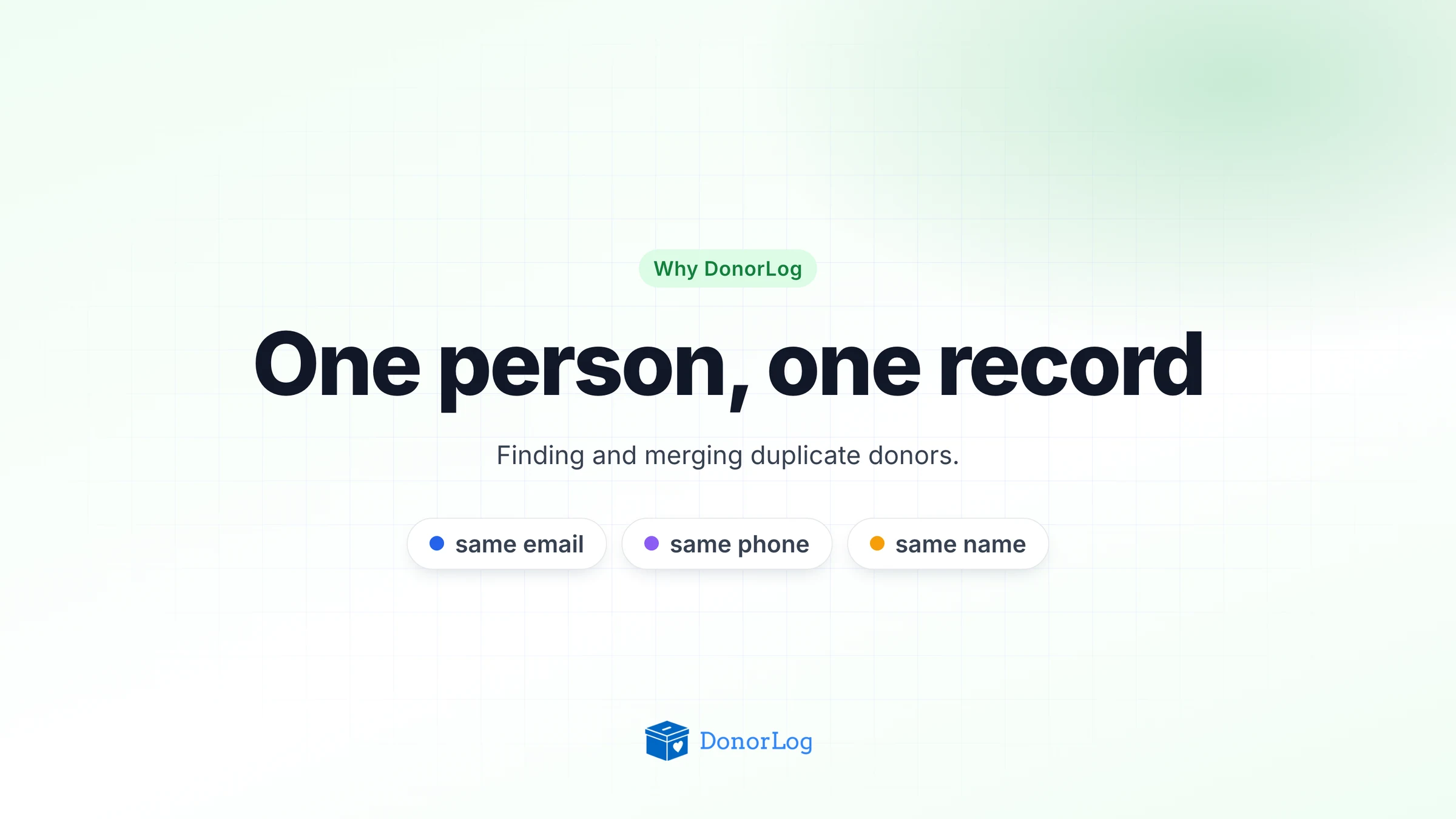
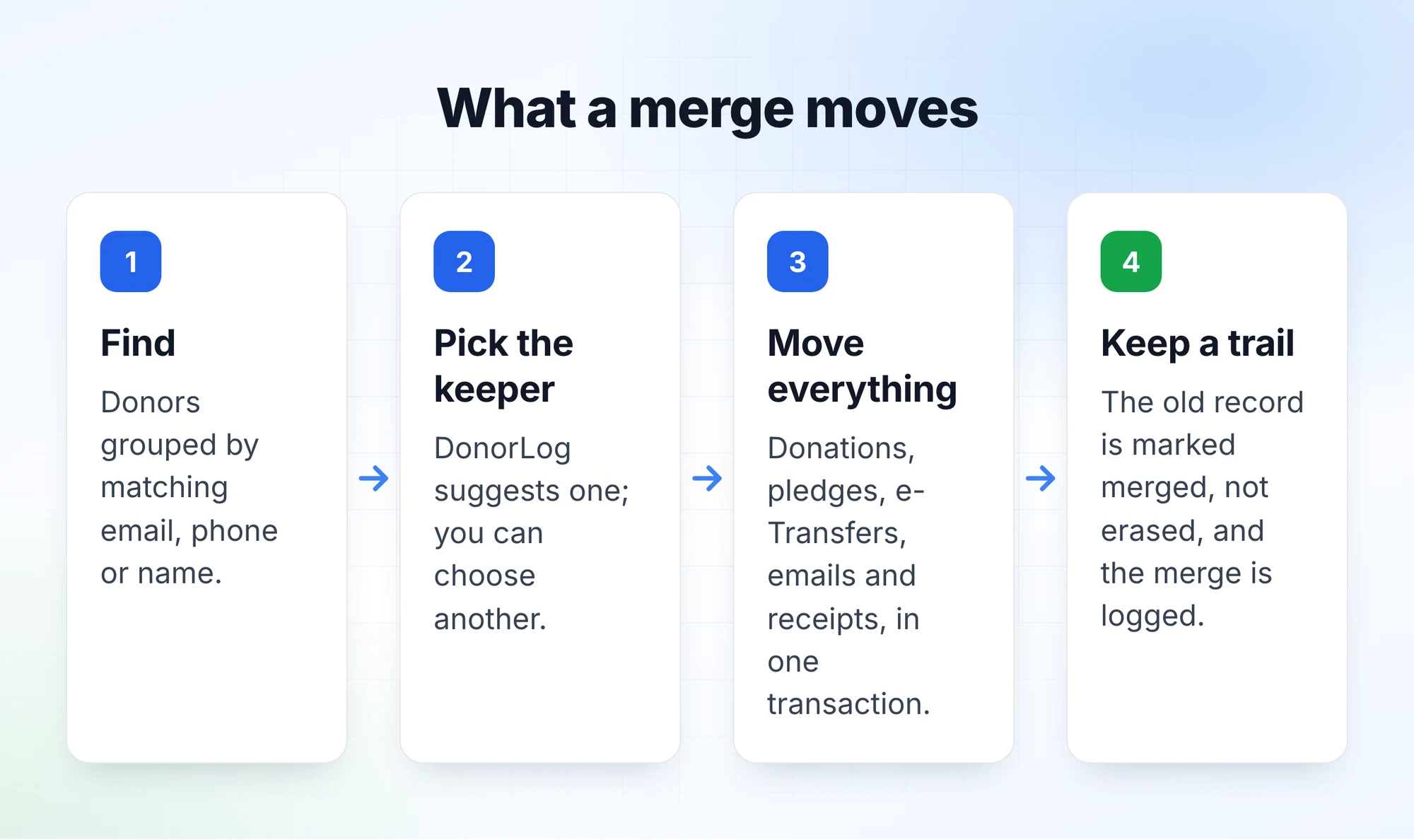
Under Donors, there's a link to the duplicates check. DonorLog looks across all your active donors for three kinds of match: the same email address (ignoring capitals and stray spaces), the same phone number (digits only, at least ten of them, so "(604) 555-0100" and "604.555.0100" count as the same), and the same first and last name once case and extra spaces are stripped out.
Matches that overlap are grouped together. If Fatima's personal record shares a phone with her work record, and her work record shares a name with a third one, all three end up in one group for you to review, rather than as two separate pairs.
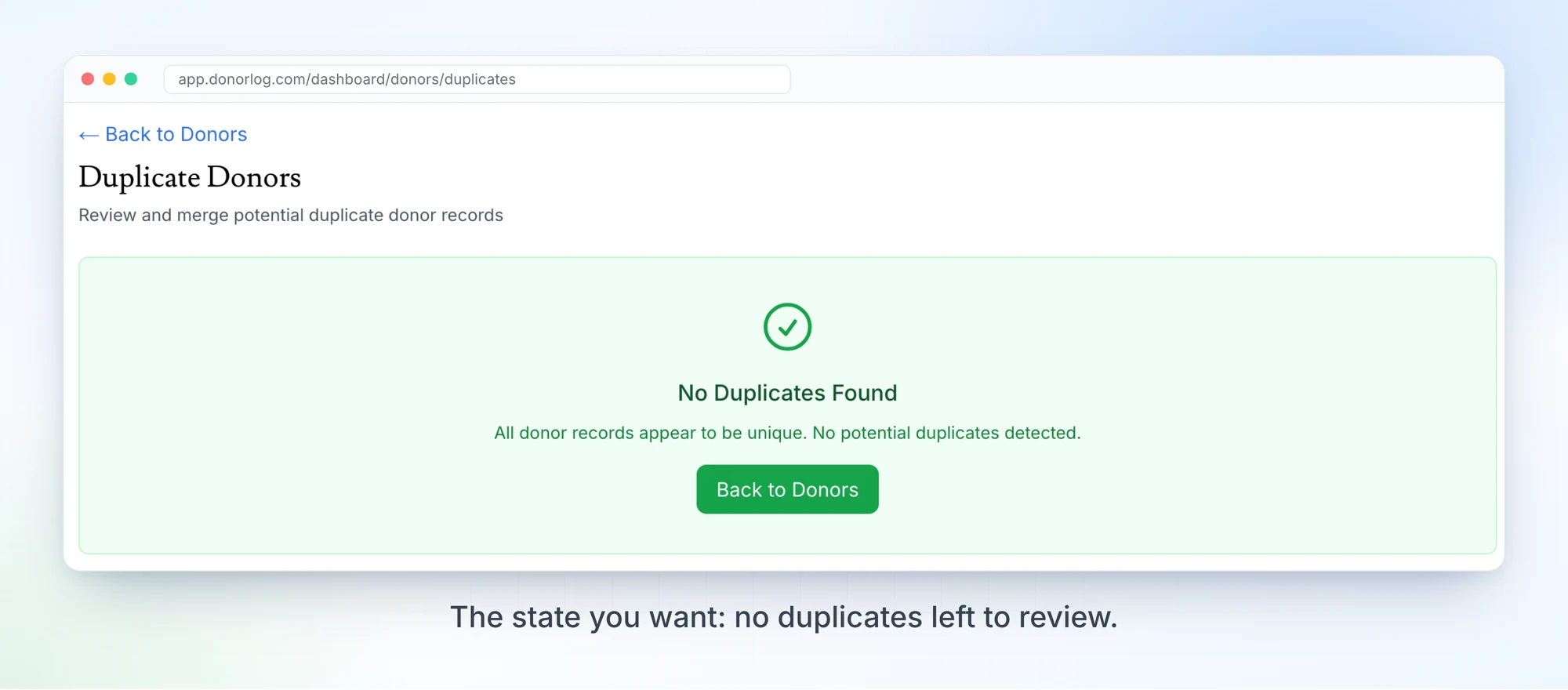
For each group, DonorLog suggests which record to keep. It favours the strongest matches and the most complete record (the one with an email, phone and full address), and it leans toward a record that's already connected to a payment integration like Square. It's a suggestion. You pick the keeper, or dismiss the group if they really are two different people. Two people called John Smith do exist.
What a merge actually moves
This is where a lot of tools cut corners, so I'll be specific. When you merge, DonorLog moves everything attached to the other records onto the one you're keeping: donations, pledges, saved cards, Interac e-Transfers, connected bank accounts and transactions, email conversations, the log of emails sent to the donor, and annual tax receipts.
If the record you're keeping is missing something the other one has, like a phone number or a city, that detail gets copied over. Nothing on the keeper is overwritten.
All of it happens in a single database transaction. Either the whole merge goes through or none of it does, so you can't end up with half the donations moved and half left behind.
Why we keep the old record
The record you merge away isn't deleted. It's marked as merged, with a pointer to the record it went into, the time, and who did it. The merge also goes into the activity log, with a snapshot of the records before the merge and how many of each thing moved.
We did it that way because a merge changes history. Receipts that were issued to the old record now sit on the new one. If an auditor, or a confused donor, asks about it next year, you can show exactly what happened and when, rather than saying "the system did something".
Stopping duplicates before they start
Finding duplicates is the cleanup job. A few things in DonorLog try to keep you from needing it as often.
When a donor asks for a tax receipt through a request link, DonorLog suggests which existing donor they probably are, scoring matches on email, phone and name, so you link them rather than creating someone new. The same goes for e-Transfers, where DonorLog suggests a donor before you match. Imports remember what they've already brought in, so running the same donation file twice doesn't create a second copy of every gift.
A good habit
Run the duplicates check before you generate year-end receipts, not after. It takes a few minutes, and it's much easier than explaining to a donor why they got two receipts that don't add up.