For a long time DonorLog assumed every donor was a person with a first name, a last name and a Canadian address. That's true for most gifts. The exceptions just tend to be the ones that matter.
The grocery store that sponsors the food drive every year. The law firm that takes a table at the gala. The couple who moved to Seattle and still give every month. We kept seeing these donors squeezed in however people could manage: "Green Valley" as a first name and "Store" as a last name, or a Washington address crammed into the province and postal code fields.
That works until it doesn't. The receipt looks odd, the export files them next to everyone else named Store, and the thank-you email opens with "Dear Green".
Individual or business
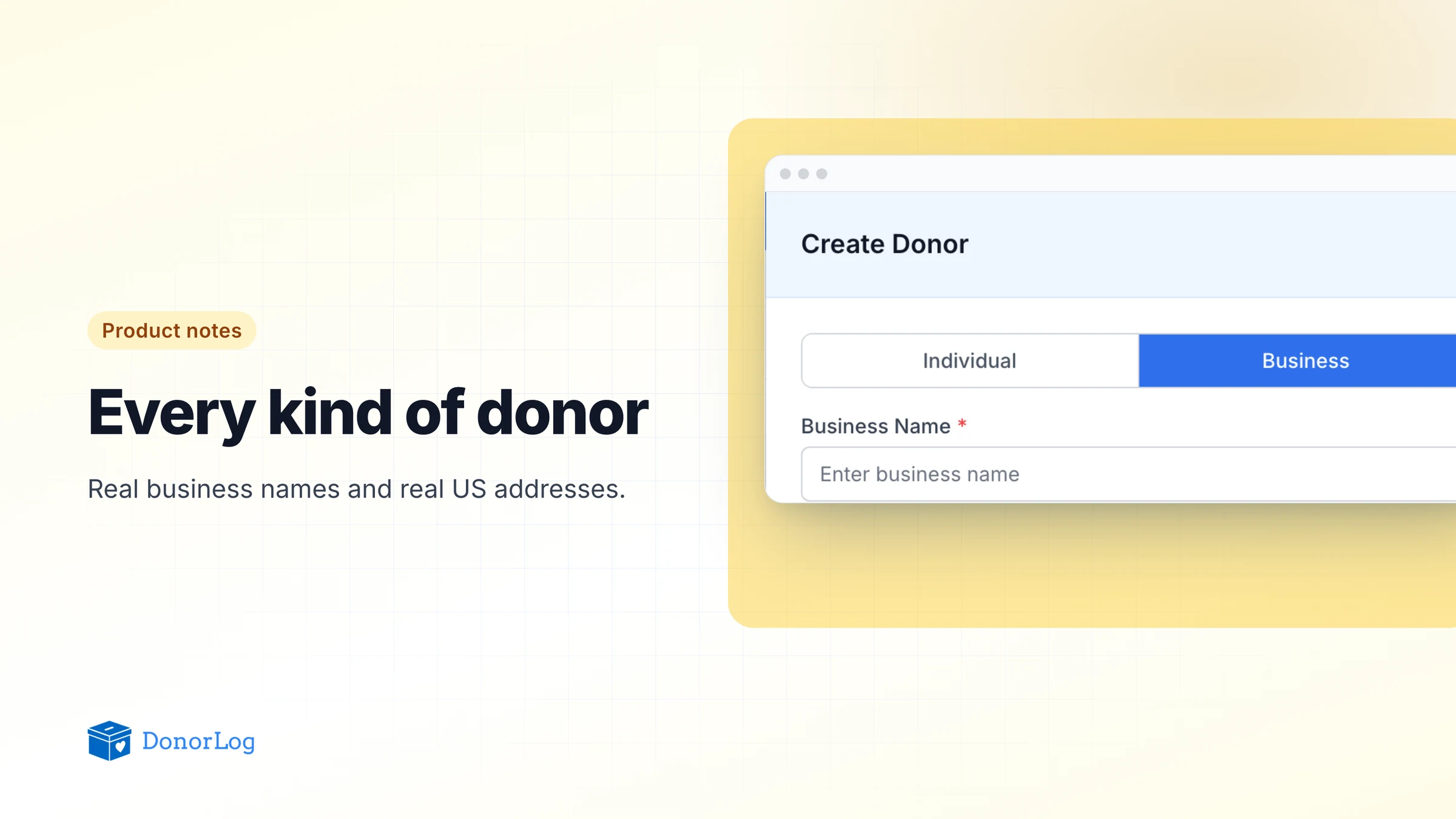
When you create a donor now, the first choice is Individual or Business.

Individuals work the way they always have: first name, last name, optional nickname. A business gets a single Business Name field, because "ABC Foods Ltd." was never a first and last name.
The choice locks once the donor is saved. You'll still see the toggle when you edit, but you can't turn a person into a business or the other way around. That's deliberate. Switching after the fact raises awkward questions about the old name fields and everything already sent under them, so it's worth a second look before you click save.
The business name is what DonorLog uses everywhere that donor appears: the donor list, their details page, and the greeting in emails.
US addresses
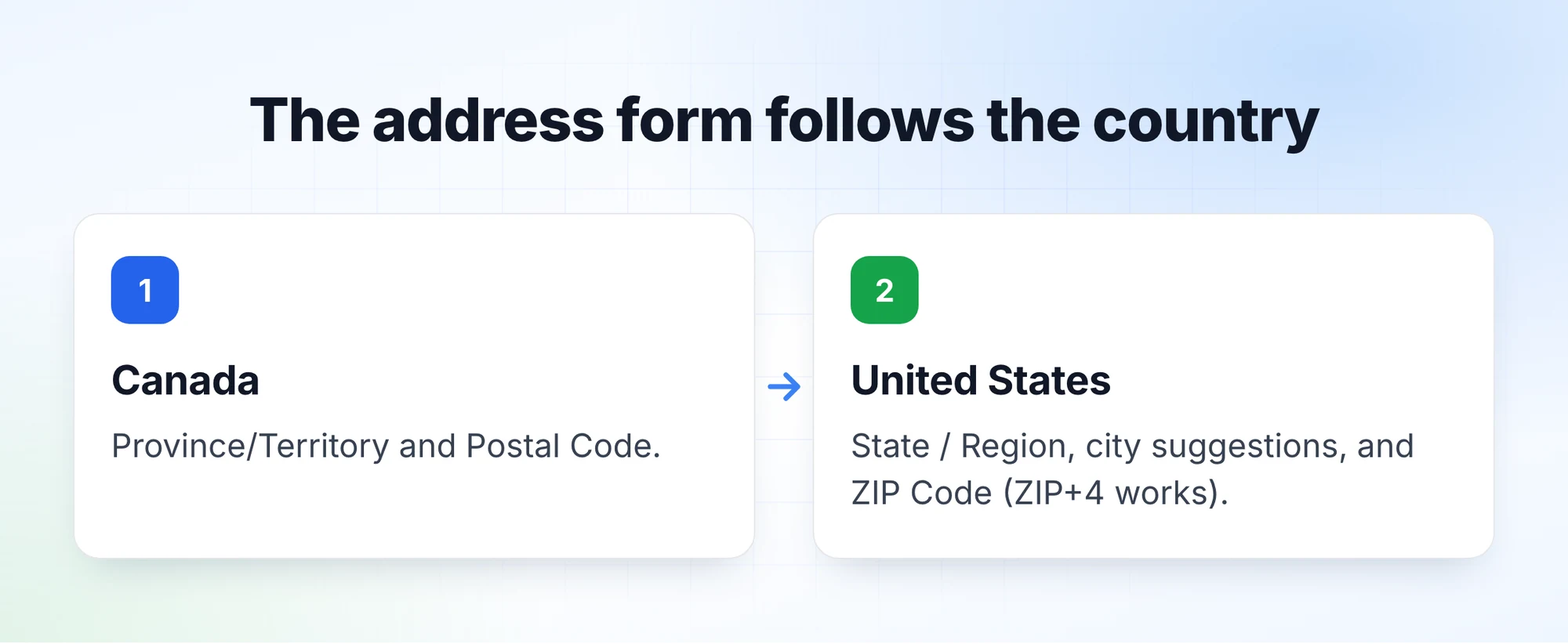
A donor's address can now be in Canada or the United States, and the form changes to suit.
Canadian donors get what you're used to, Province/Territory and Postal Code. Choose United States and the labels become State / Region and ZIP Code. The state is a dropdown, and the city field suggests cities in the state you picked. If a small town isn't listed, just type it in. ZIP codes are checked, and the longer ZIP+4 format is fine.
This works when editing, too. If a long-time donor moves from Vancouver to Portland, change the country on their record and enter the new address. Their giving history stays with them.
In your exports
Donor and donation CSV exports have a Business Name column you can switch on. If you include it along with the donor name, it sits right beside it, so the spreadsheet stays readable and you can sort businesses from individuals. That comes in handy in December when you want a list of corporate supporters to thank, or when the board asks how much came from local businesses last year.
What it doesn't do
Only Canada and the US are supported. If you have donors elsewhere, we'd honestly like to hear how many. A donor's type can't be changed after it's created, as mentioned above. And while DonorLog stores the address properly, whether and how you issue official receipts to businesses or to donors outside Canada is a question for your accountant, not for software.
From here on, set companies up as Business donors when you create them. Older records where a company got squeezed into the name fields keep their donation history and can't be switched, so just check that the name reads properly. Then give your US supporters' addresses a once-over before year-end receipts go out. It beats a "Dear Green" in January.